Run a Batch of Iterations of the Model
Prerequisites:
- a functioning installation of Repast Simphony
- a cloned version of the FacilityEpiSim project
Run many iterations
Batch mode is used for calibration, validation and experimentation. We can make many iterations of the data without changing any parameters so that we can examine the distribution of the stochastic outputs. We can also choose one or more parameters to sweep across a range or list of values so we can observe the sensivity of the outputs to changes in the inputs.
Step by step
- Find the green triangle run button.
- Pull down the drop-down and click Batch FacilityEpiSim Model.
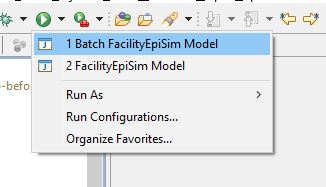
- Wait for the batch interface to load.
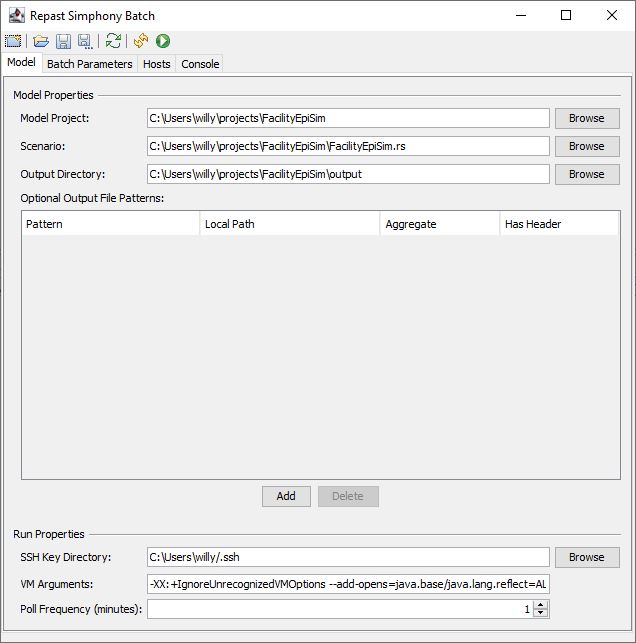
- The Model tab is used to configure JVM arguments and scenario files. Refer to the Repast Documentation for more info.
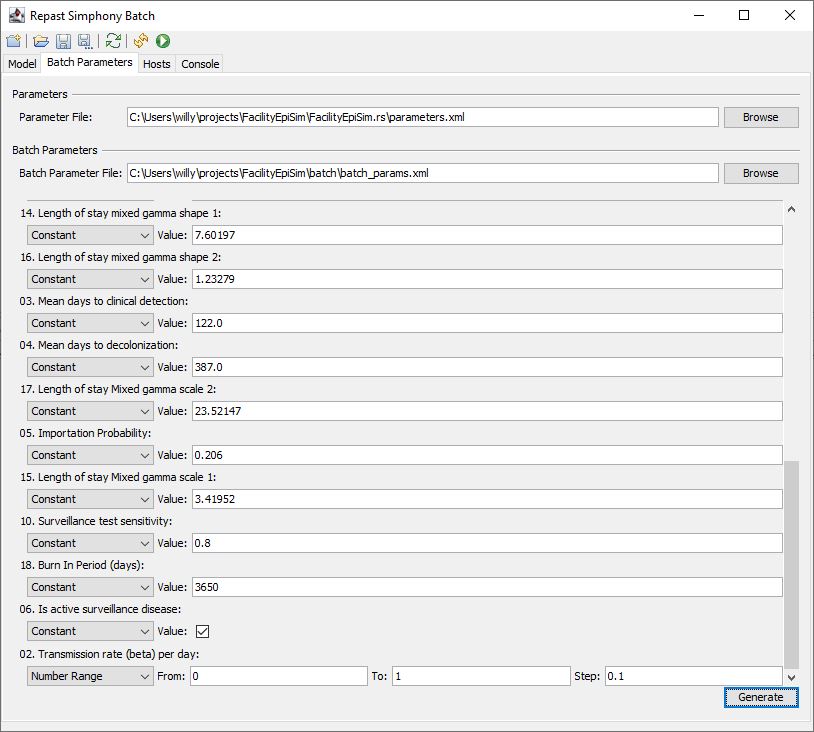
- The Batch Parameters tab is used to set up the parameters that will be used for this batch. Note that the Transmission Rate parameter is set to sweep from 0 to 1 with a step of 0.1. This will yield 11 runs, one at each step specified (inclusive of start and end values).

- If we change the step from 0.1 to 0.01, we’ll now get 101 runs. Note that changes to the parameters panel will require the batch parameter file to be generated.

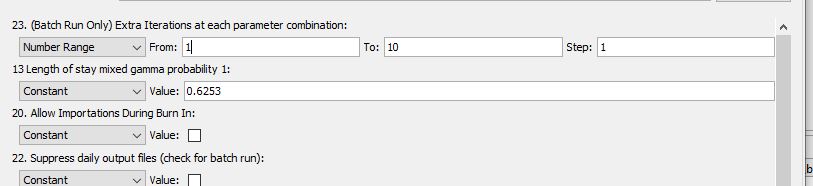
- Extra Iterations at each Parameter Combination is a special parameter. It has no effect on the simulation, but it will cause the batch to run more than once at each point. In this example, if we have a transmission step that gives us 11 runs and an Extra Iteration step that gives 10 runs, we’ll end up with 110 runs. 10 each at each value of transmission.
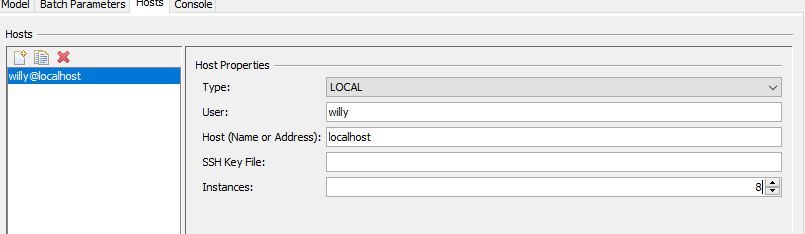
- Use the Hosts tab to assign the number of processes you want to use. You’ll need to know how many processor cores you have on your machine. Don’t forget to leave a core or two for the overhead of running your operating system.
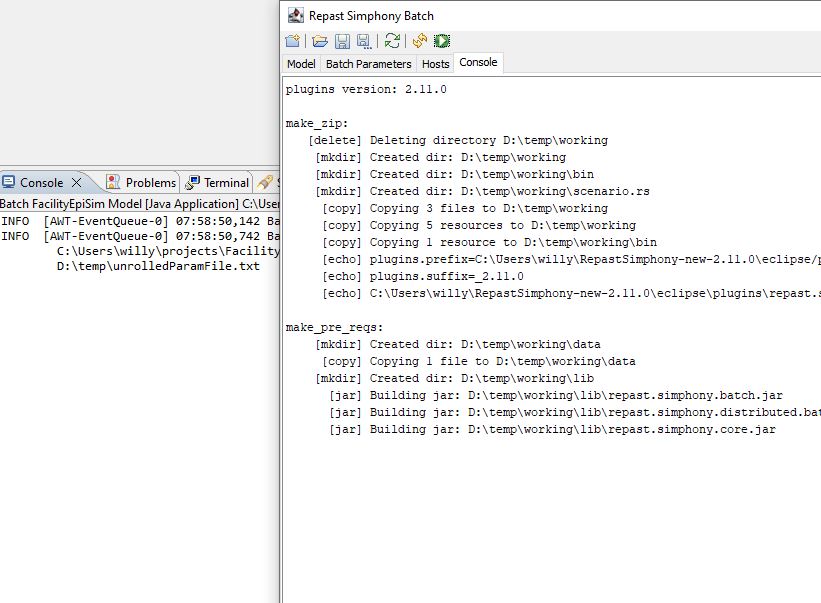
- Click the green run button, and you’ll see the batch interface and the Repast console start to print information. Much of it is output from the individual iterations, that we use to make sure things haven’t stalled errored out.
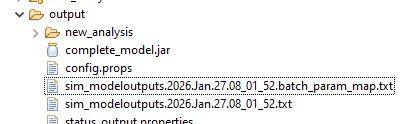
- When the Repast console says the batch is finished, it will write summary files for the outputs in the project’s output folder (not the root folder, as with the single-run mode.)

- The files are named sim_modeloutputs.datetime.txt and sim_modeloutputs.datetime.batch_param_map.txt. The first file is the output data for each iteration, and the batch_param_map is the set of parameters that ran on each iteration. Then can be joined on the “run” column.
See more about these files here