Run a Single Iteration of the Model
Prerequisites
- a functioning installation of Repast Simphony
- a project in Repast that is a clone of the facilityepisim project
Run the model one time
Single runs of the model are useful primarily for verifying that the model is built correctly and that the distribution of various outputs conforms to expectations.
Step by step
Find the green triangle run button.
Pull down the drop-down menu and click single-facility model.
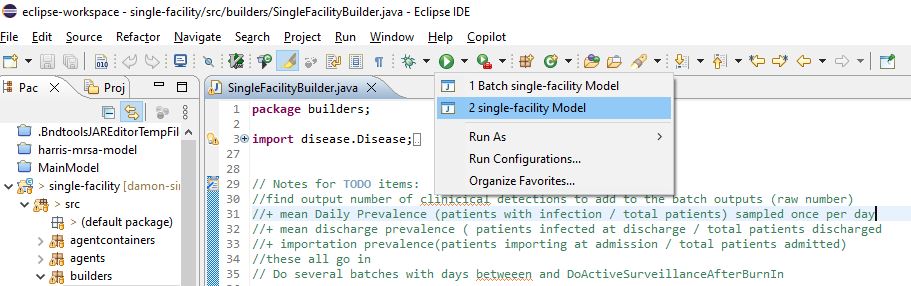
Wait an indeterminate amount of time (up to 2 minutes).
You will see the Repast Simphony single-run interface.
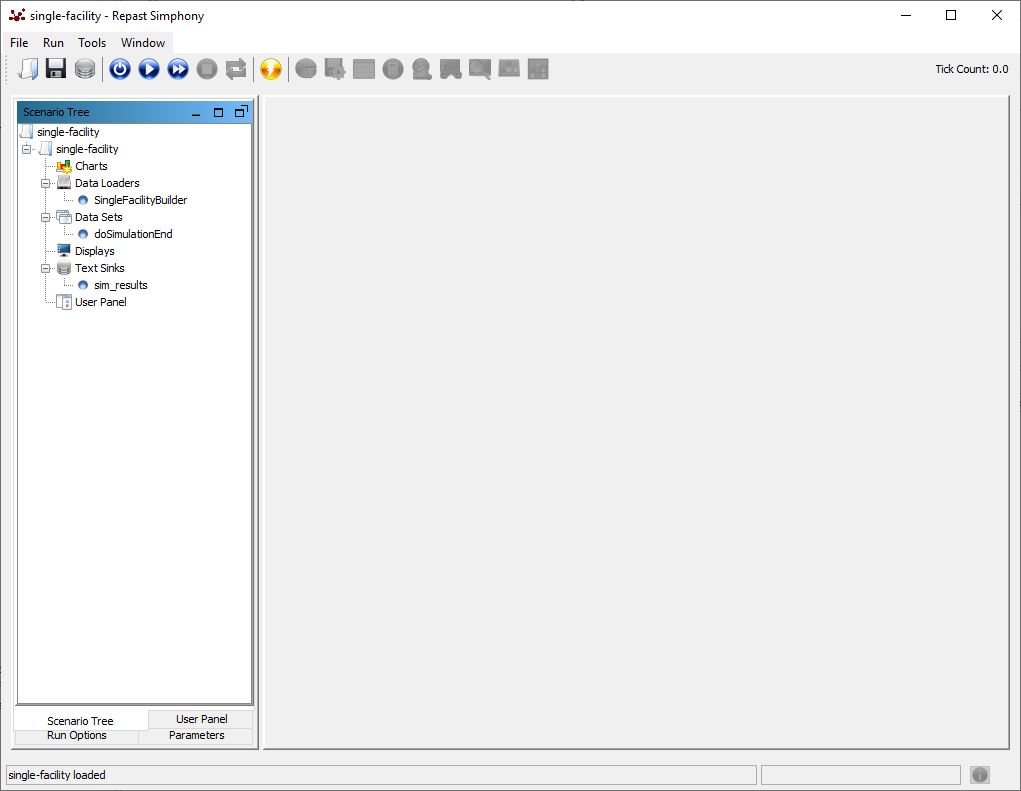
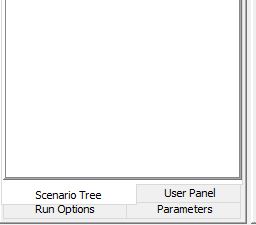
To change the parameters for this run, find the Parameters tab at the bottom of the frame on the left.
Update parameters as necessary.
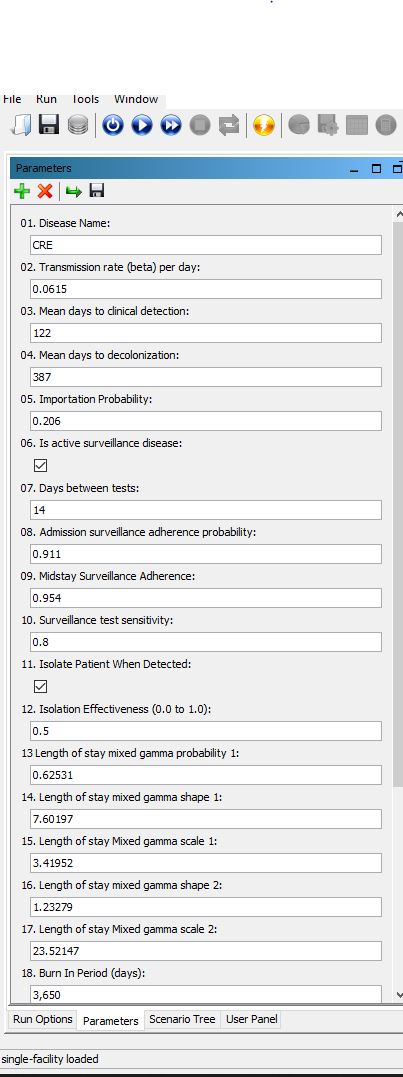
When the parameters are configured the way you want them, find the blue Initialize Run button on the toolbar. Click it, wait for the simulation to initialize, the press the start button right next to it.
![initialize button and start button][images/initialize-and-run.jpg]
You’ll see the Tick Count in the upper right begin to increase. The simulation is running!
When it reaches the end, close the window and look in the root folder of the project for new .txt files containing the results.
- admissions.txt
- clinicalDetection.txt
- daily_population_stats.txt
- daily_prevalence.txt
- daily_stats.txt
- decolonization.txt
- detection_verification.txt
- discharged_patients.csv
- sim_modeloutputs.
.txt - surveillance.txt
- transmissions.txt
See more about these files here